
A Visual Guide to Common AV Connectors
Quick answer
- HDMI is the dominant connector for modern digital AV.
- BNC and F-Type remain standard for broadcast, CCTV, and antenna work.
- XLR is the standard for professional balanced audio.
- Access Communications stocks connectors across all of these, consumer through professional-grade.
The connector is the crucial physical link in your AV chain. Choosing the right one, and a high-quality one, is essential for a secure and reliable signal. Use this guide to identify the connector you need for your project.
Once you've identified the connector, our guide to AV cable colour codes helps you match the right cable to the right signal, and our guide to AV signal protocols explains what each connector is actually carrying.
AV Connector Types at a Glance
| Connector | Signal | Common Use |
|---|---|---|
| HDMI | Digital A/V | TVs, projectors, AV receivers |
| DisplayPort | Digital A/V | Computer monitors, pro displays |
| DVI | Digital or analogue video | Computer monitors, legacy displays |
| VGA | Analogue video | Older monitors, projectors |
| RCA | Analogue A/V | Consumer AV, legacy gear |
| BNC | Pro video, RF | Broadcast, CCTV, test gear |
| F-Type | RF | TV antennas, satellite, MATV |
| PAL | RF | Australian TV wall plates |
| S-Video | Analogue video | Legacy VCRs, DVD players |
| SCART | Composite A/V | European AV equipment |
| XLR | Balanced audio | Microphones, pro audio |
| Phono Jack | Analogue audio | Headphones, line audio |
| TOSLINK | Digital audio (optical) | Home theatre, soundbars |
| Firewire | Digital A/V | Older cameras, recording gear |
Digital Video Connectors
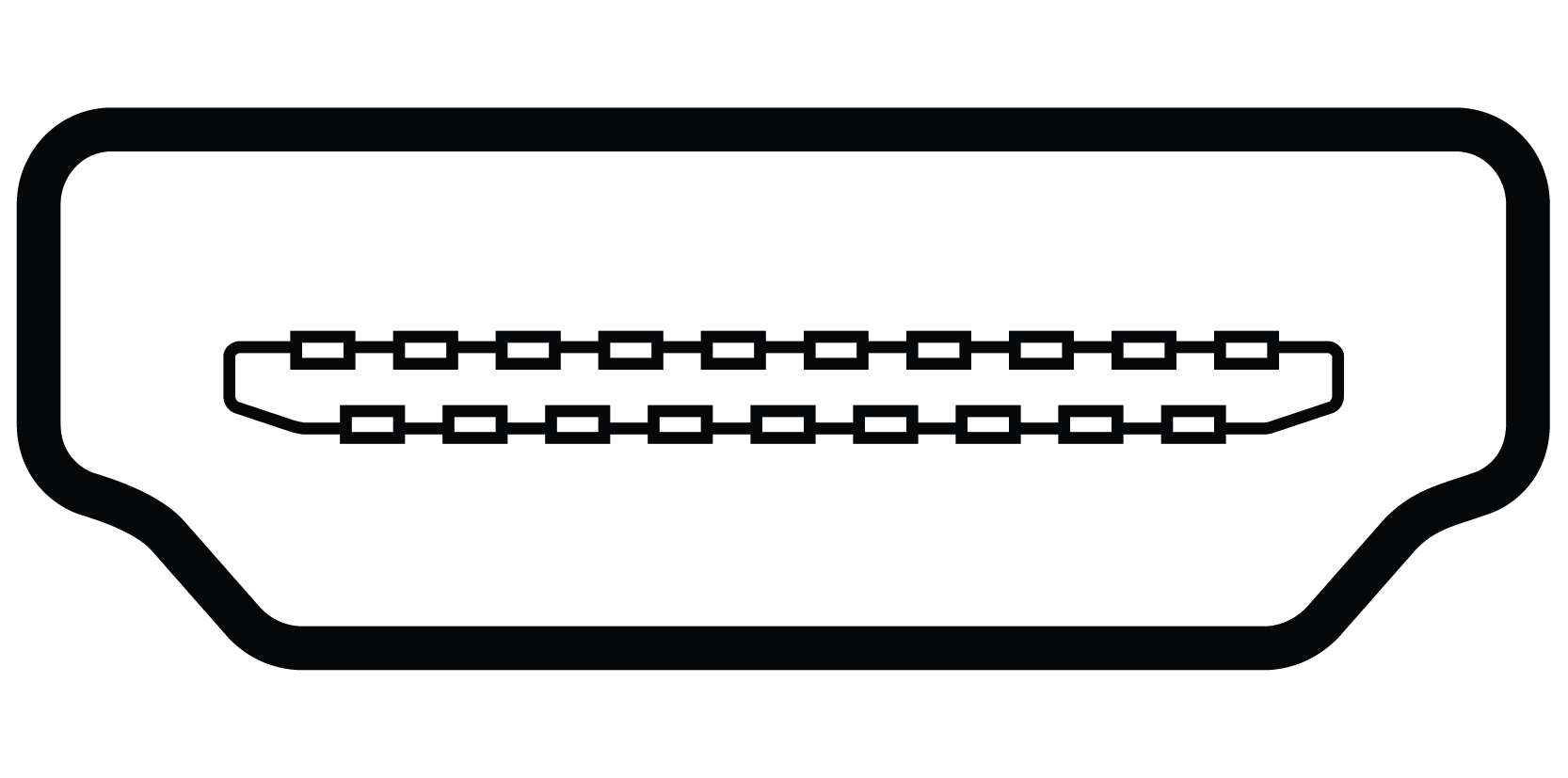 |
HDMI HDMI (High Definition Multimedia Interface) connectors carry digital audio and digital video over a single cable. They're found on TVs, projectors, AV receivers, gaming consoles, and modern source equipment. HDMI is the dominant consumer and trade standard for digital AV connections. Browse our HDMI cable range. |
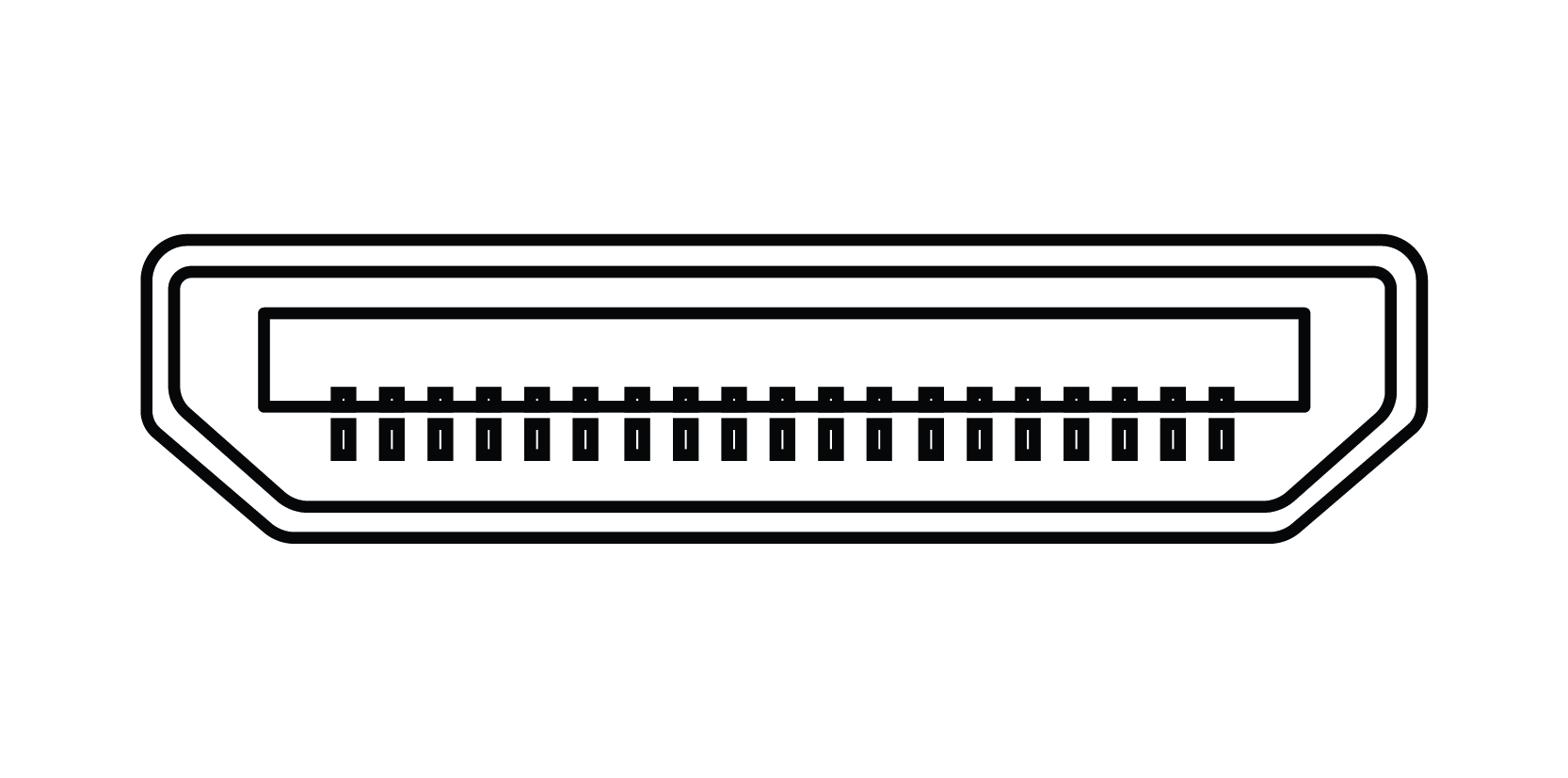 |
Mini HDMI (Type C) A smaller version of standard HDMI, used on DSLR cameras, camcorders, and some tablets. Carries the same signal as full-size HDMI, just in a smaller housing. A simple Mini HDMI to HDMI adaptor or cable is all you need to connect to a standard HDMI input. |
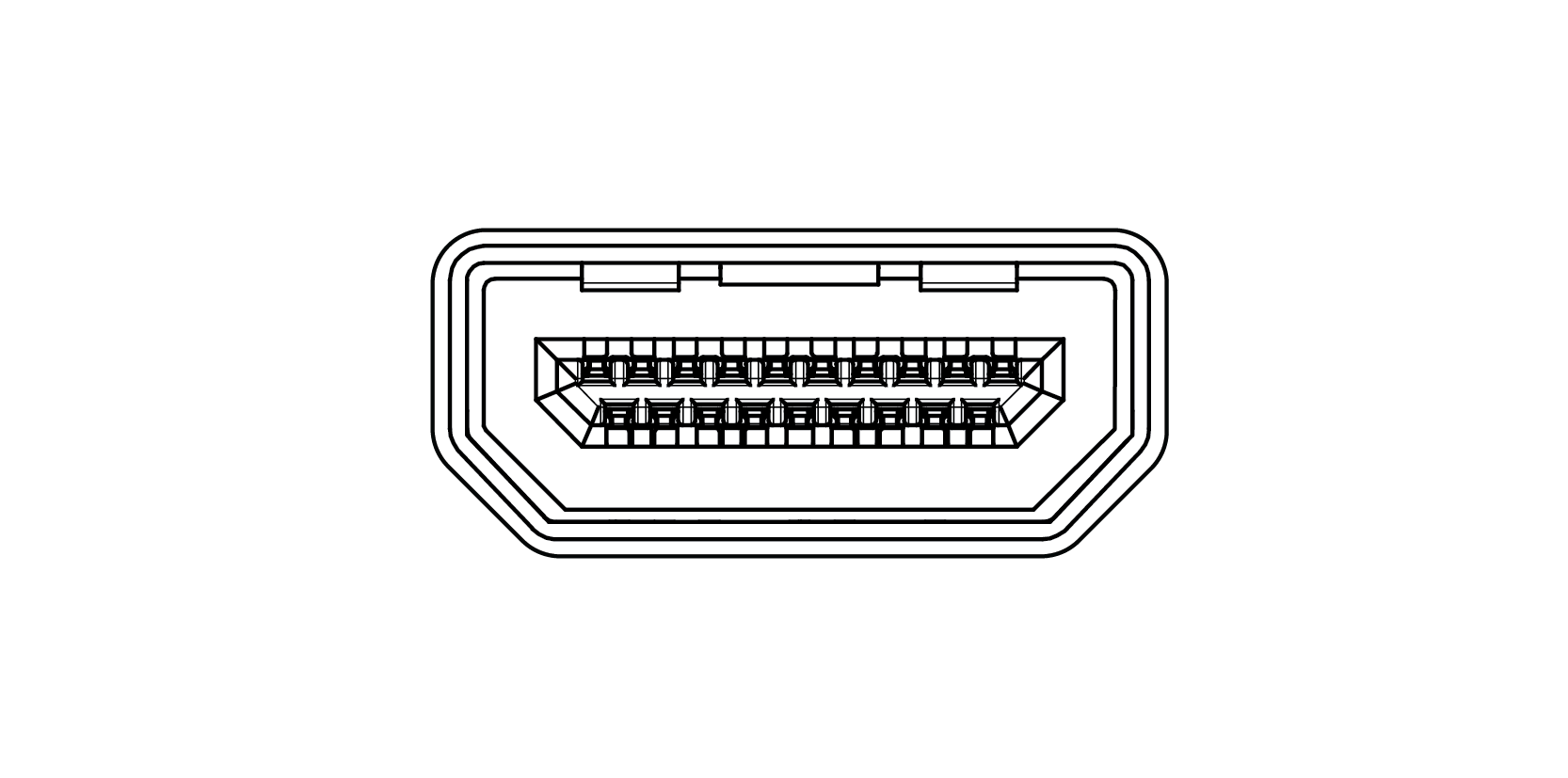 |
Micro HDMI (Type D) The smallest HDMI variant, used on action cameras, smartphones, and compact tablets. Same signal as standard HDMI in a much smaller form factor. Requires a Micro HDMI to HDMI adaptor or cable to connect to standard equipment. |
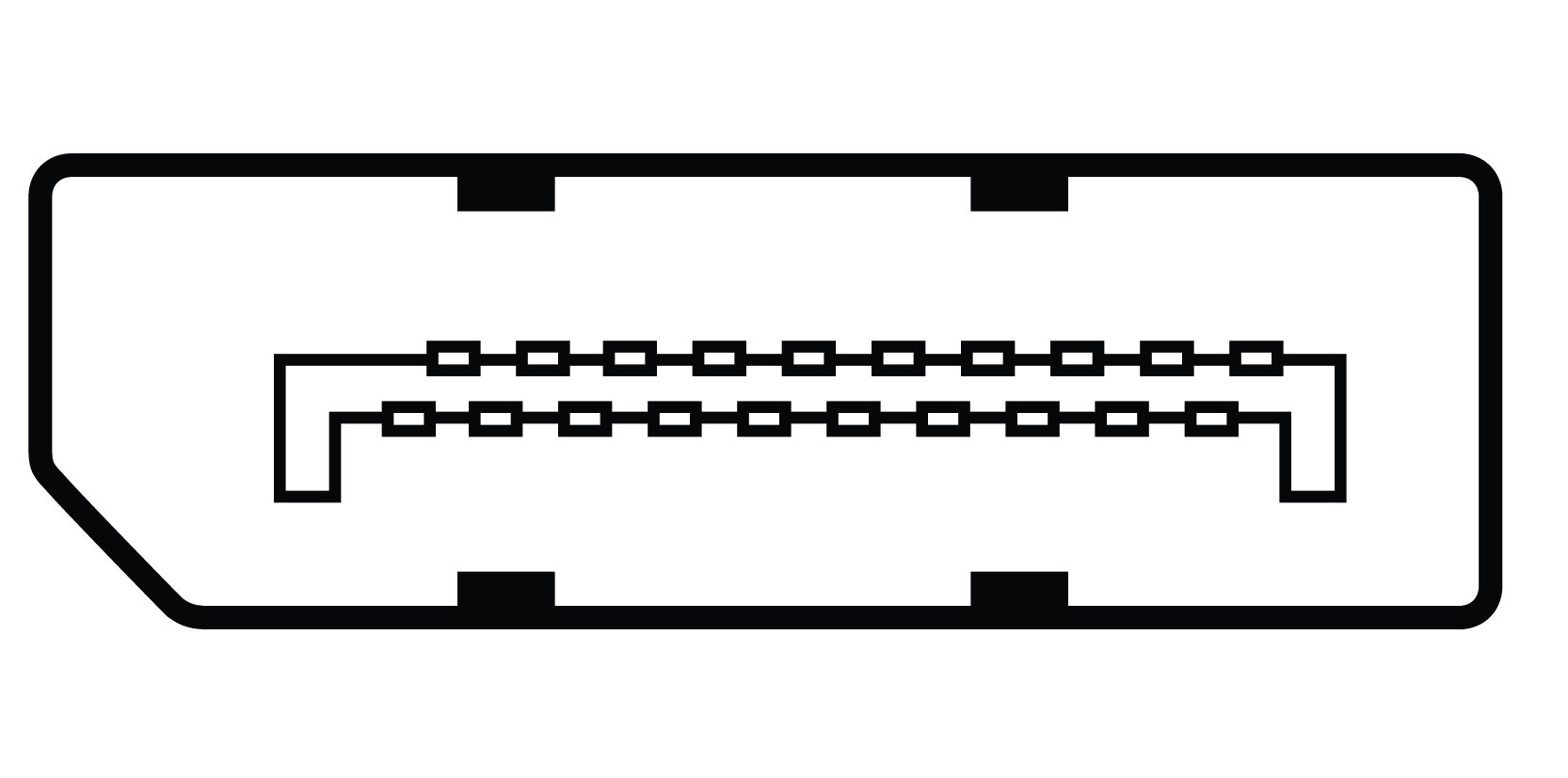 |
DisplayPort DisplayPort carries digital audio and video, similar to HDMI, but is more common on computer monitors and professional display equipment. It supports higher refresh rates and resolutions than HDMI in equivalent generations, making it the preferred choice for high-end PC and workstation setups. |
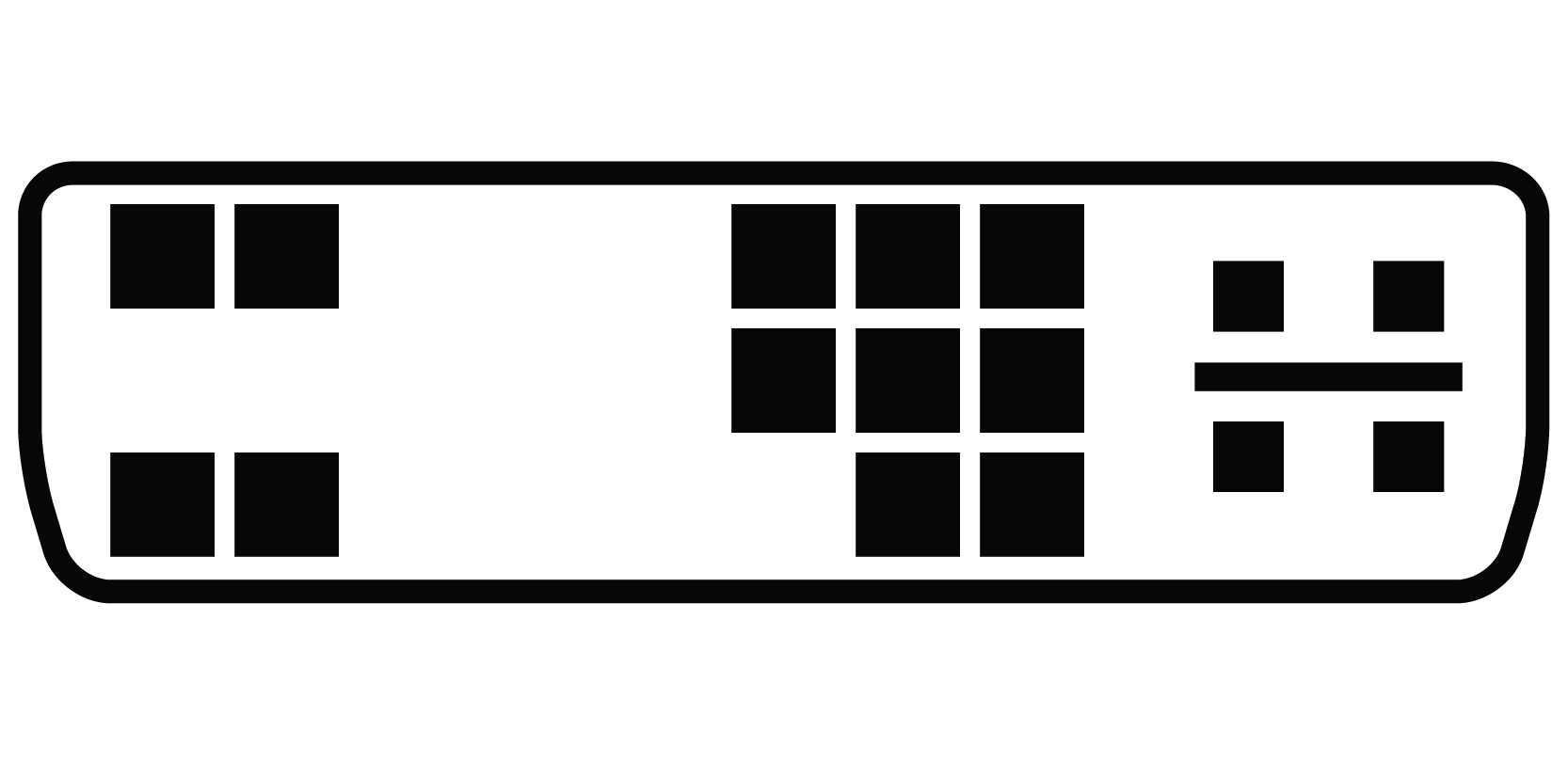 |
DVI-A Carries signals to an analogue display only. Has two pins above and two pins below the flat-bladed pin (shown on the left-hand side of the picture) that are used for the analogue signal. The right-hand side has 8-pin and 4-pin separated pin-sets. |
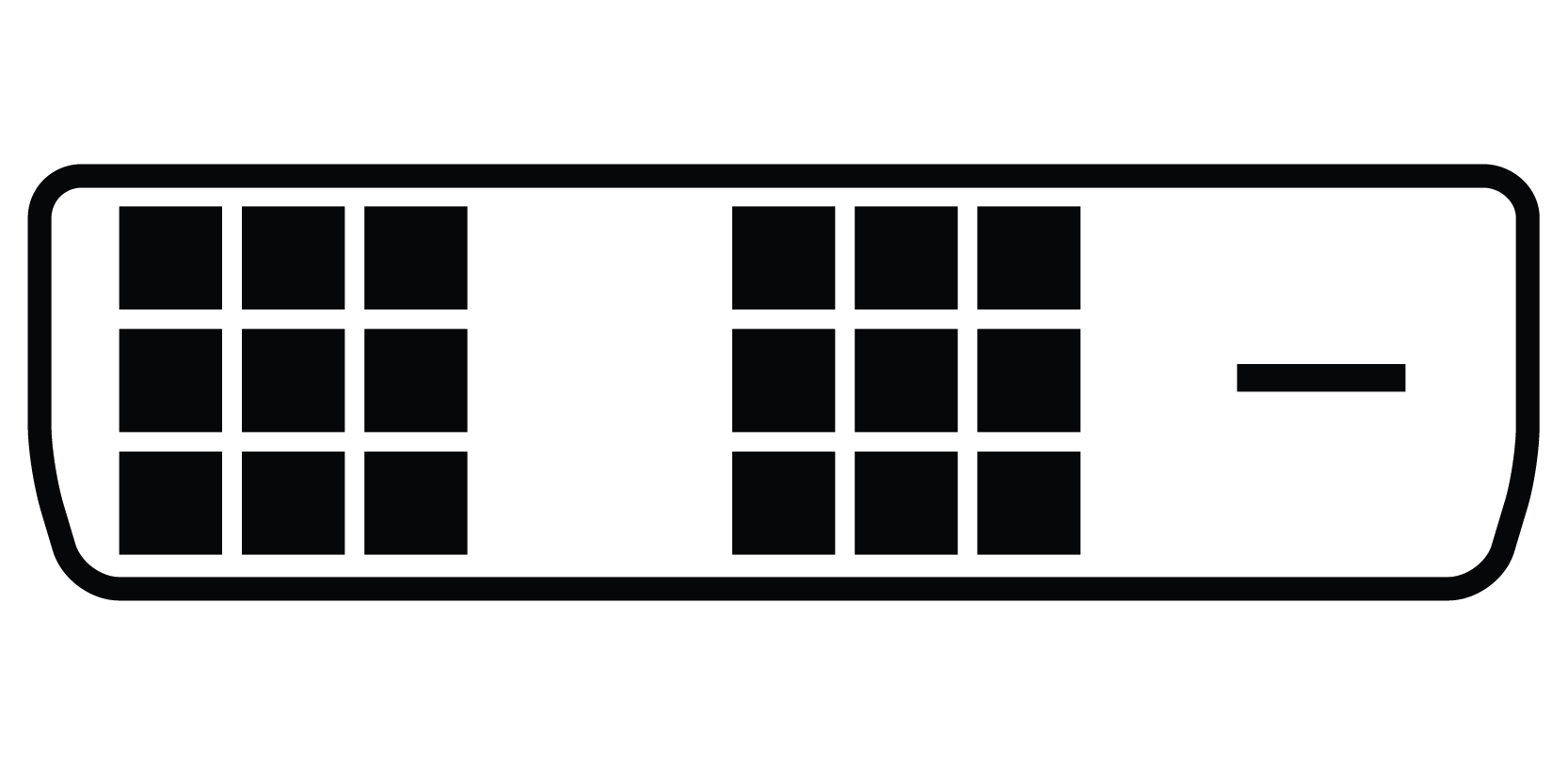 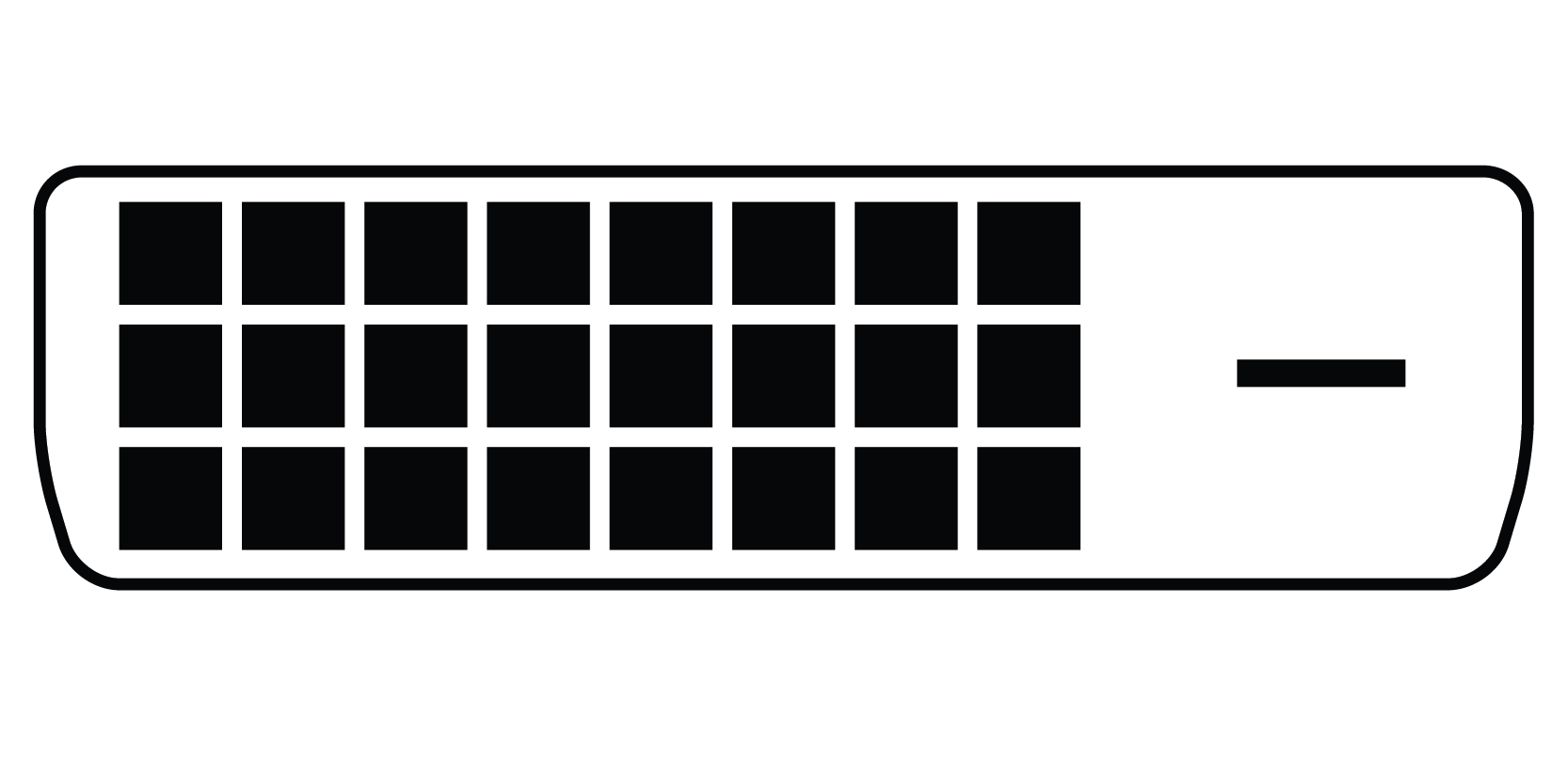 |
DVI-D Used for digital signals only. Has three rows of 6 pins or three rows of eight pins on the right-hand side and no pins above or below the flat-bladed pin on the left-hand side. Available in single-link and dual-link types, with dual-link supporting higher resolutions. |
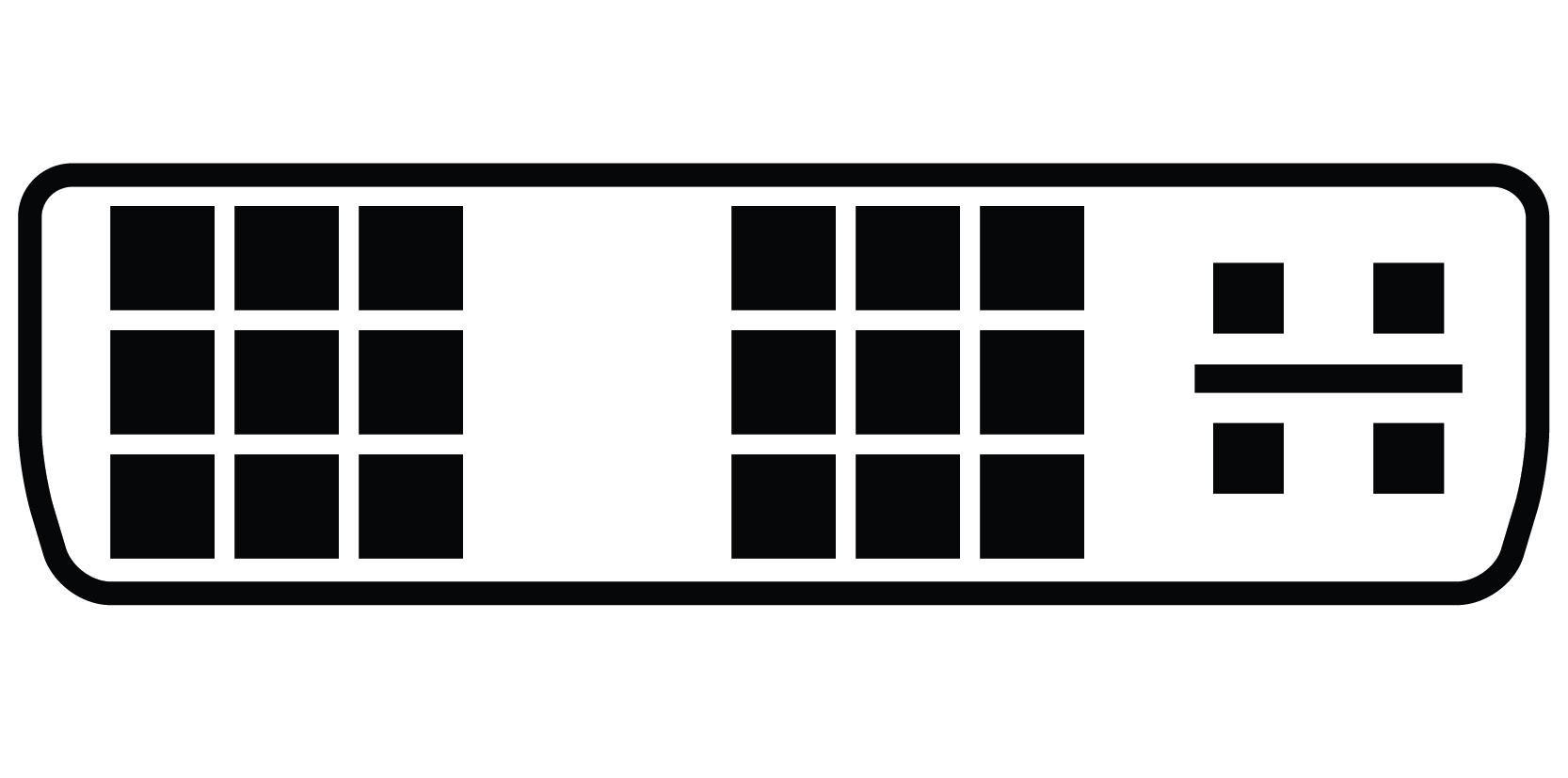 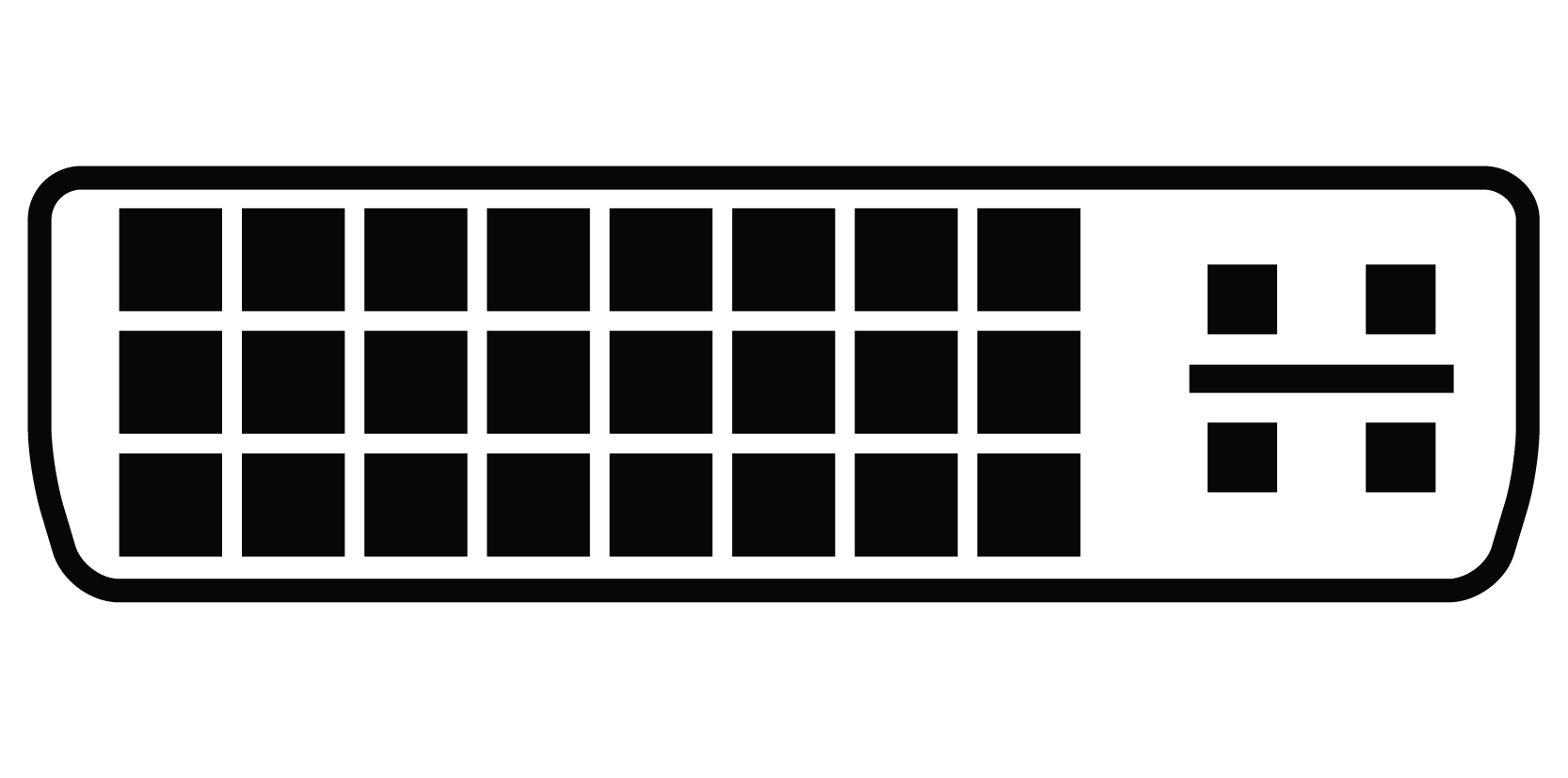 |
DVI-I Combines DVI-A and DVI-D with pins provided to carry either an analogue or digital video signal. A DVI-I cable can therefore be used either for a digital signal (in a DVI-I socket) or for an analogue signal (in a DVI-A socket). Because of the extra pins, they cannot physically fit into a DVI-D socket. Has three rows of 6 pins or three rows of eight pins on the right-hand side with two pins above and two pins below the flat-bladed pin on the left-hand side. |
Analogue and Professional Video Connectors
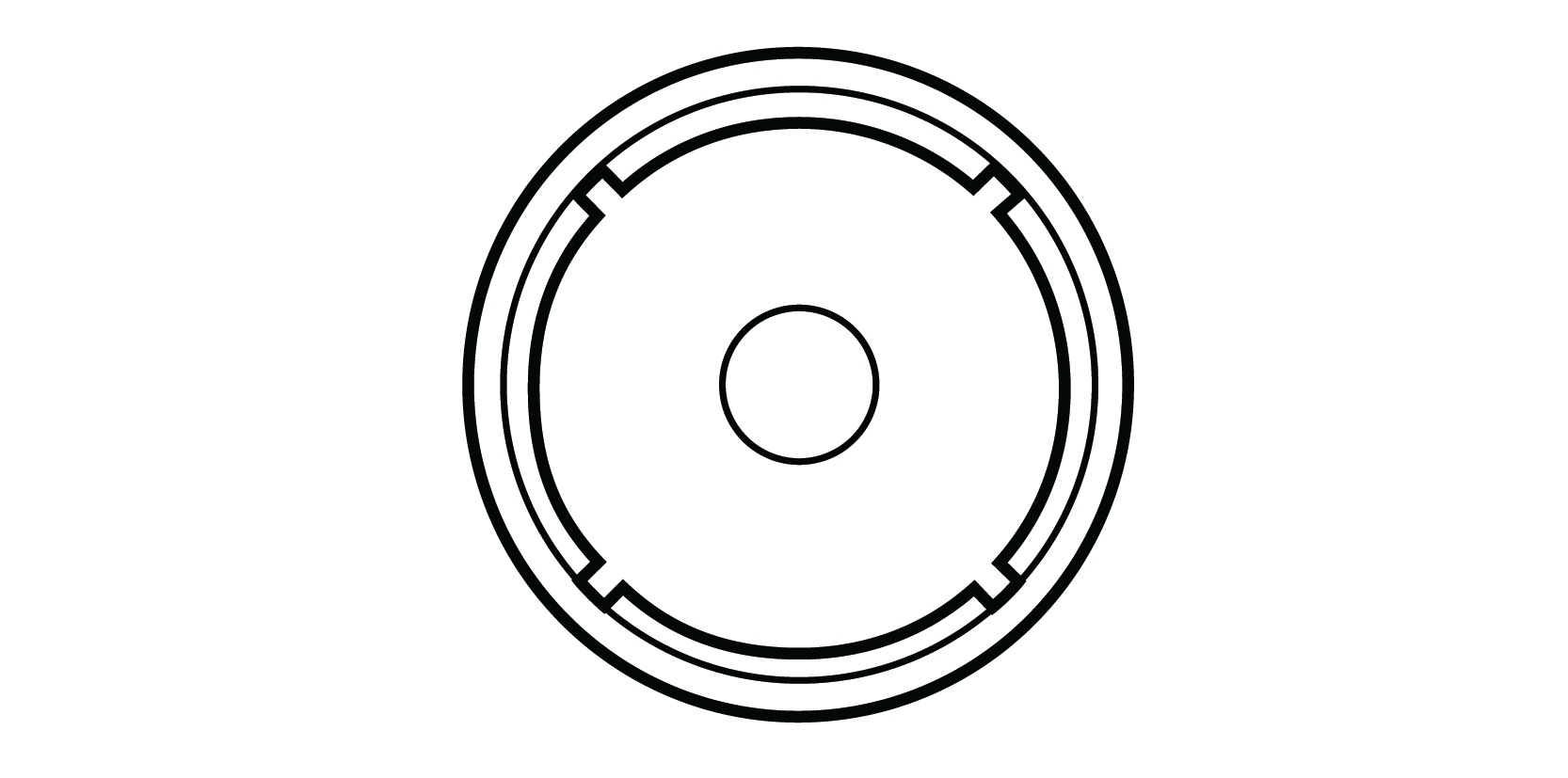 |
RCA The RCA is the most common connector type on consumer gear for composite and component video, as well as for both digital and analogue audio. RCA jacks colour-coded yellow on a device usually are composite video inputs or outputs. Browse our RCA cable and connector range. |
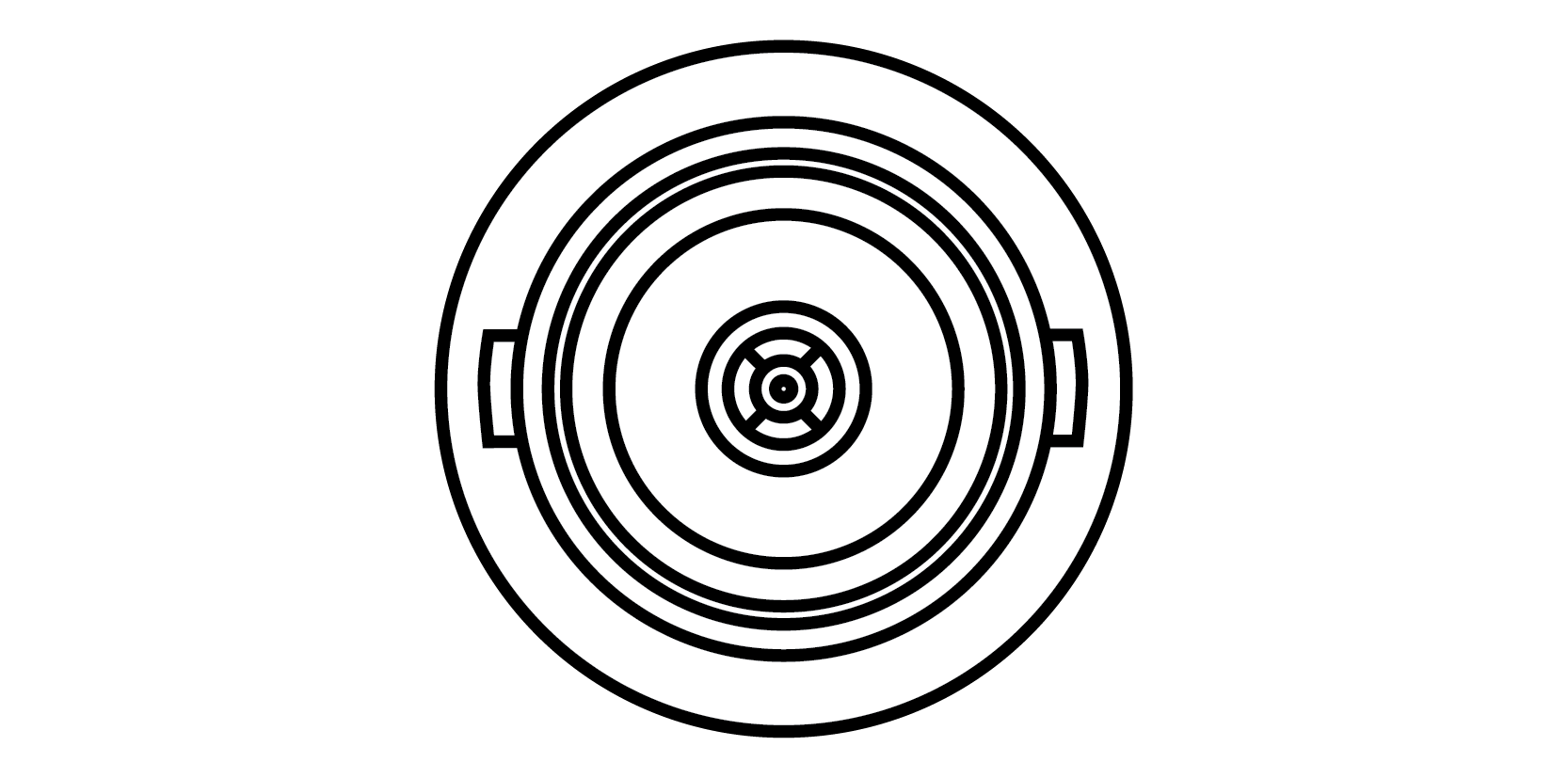 |
BNC Used for video signals and labelled similarly to RCA. Used to carry composite video (one connection), S-video (two connections), Y/Pb/Pr (three connections), or one of the RGB variants. BNC's locking design makes it the standard for broadcast, CCTV, and test equipment. Browse our BNC cable and connector range. |
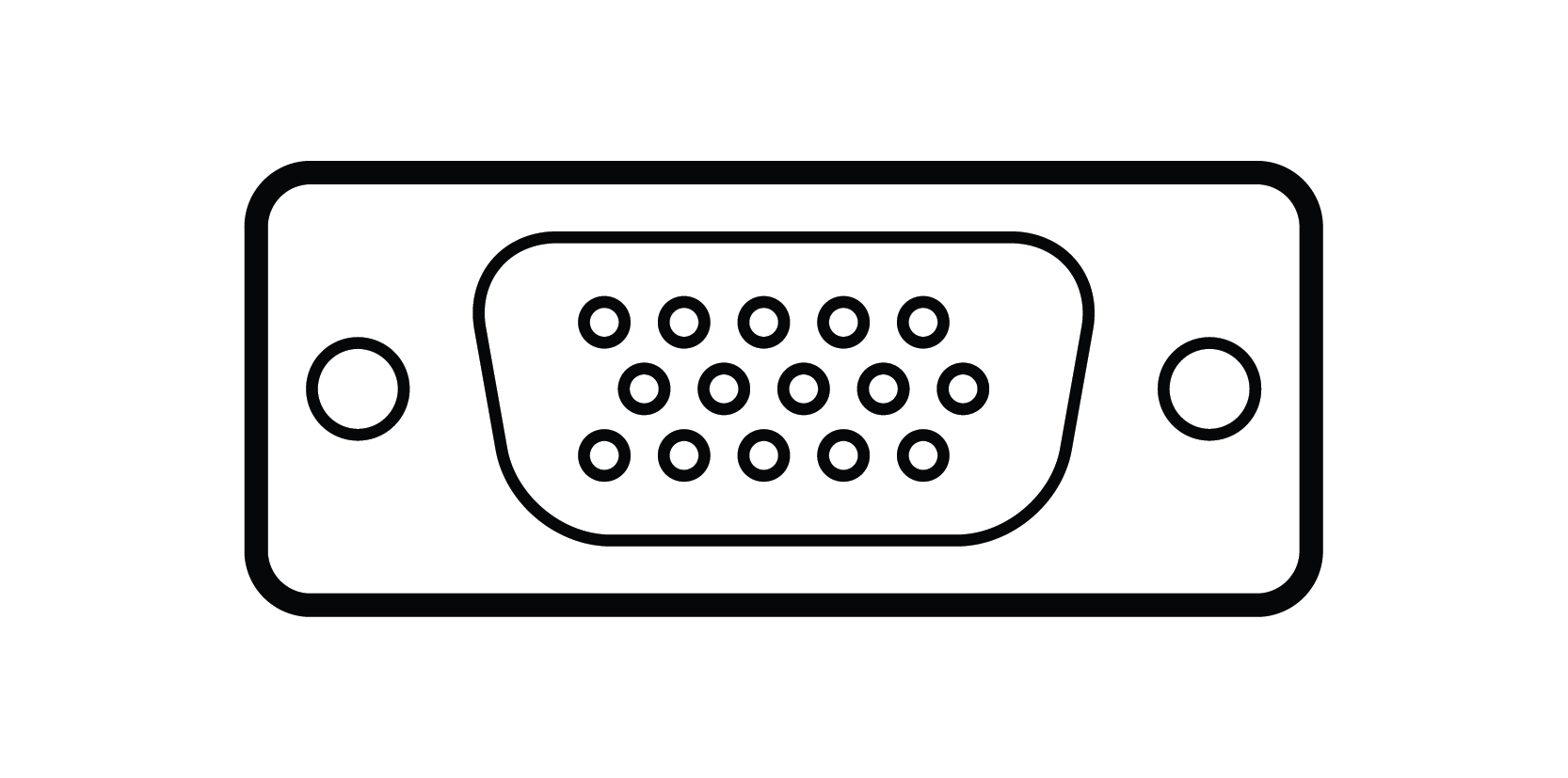 |
DE-15 / VGA / HD15 / D-Sub 15 Used on LCD and Plasma displays and computer monitors for RGBHV signals. Also used for RGBS, RGB sync-on-green, and Y/Pb/Pr Component video. |
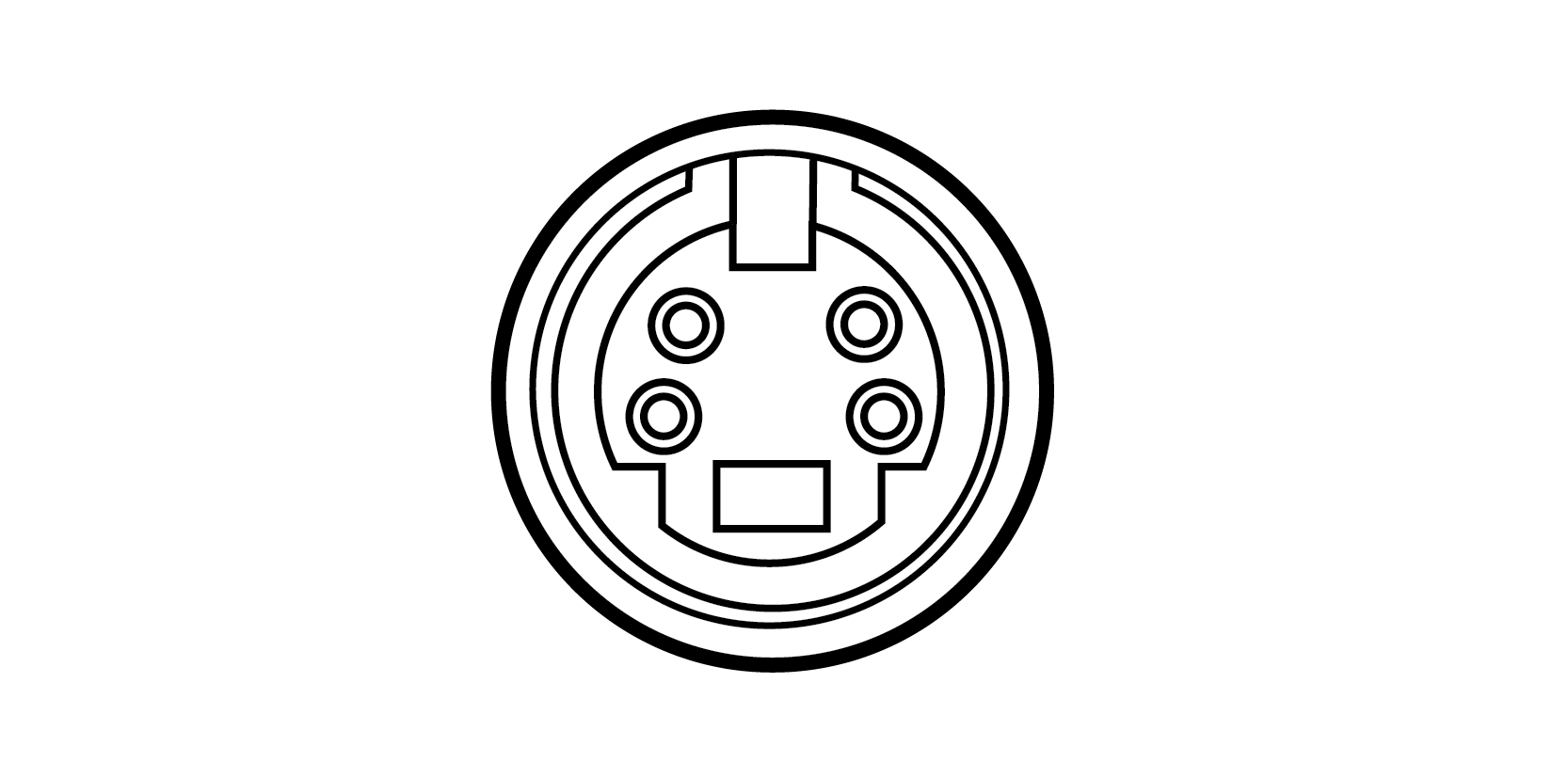 |
4-Pin Mini DIN (S-Video) Very common on consumer audio/video gear. Carries an S-video signal (also referred to as S-VHS on older VCRs). The cable consists of twin coaxial cables in a common sheath. |
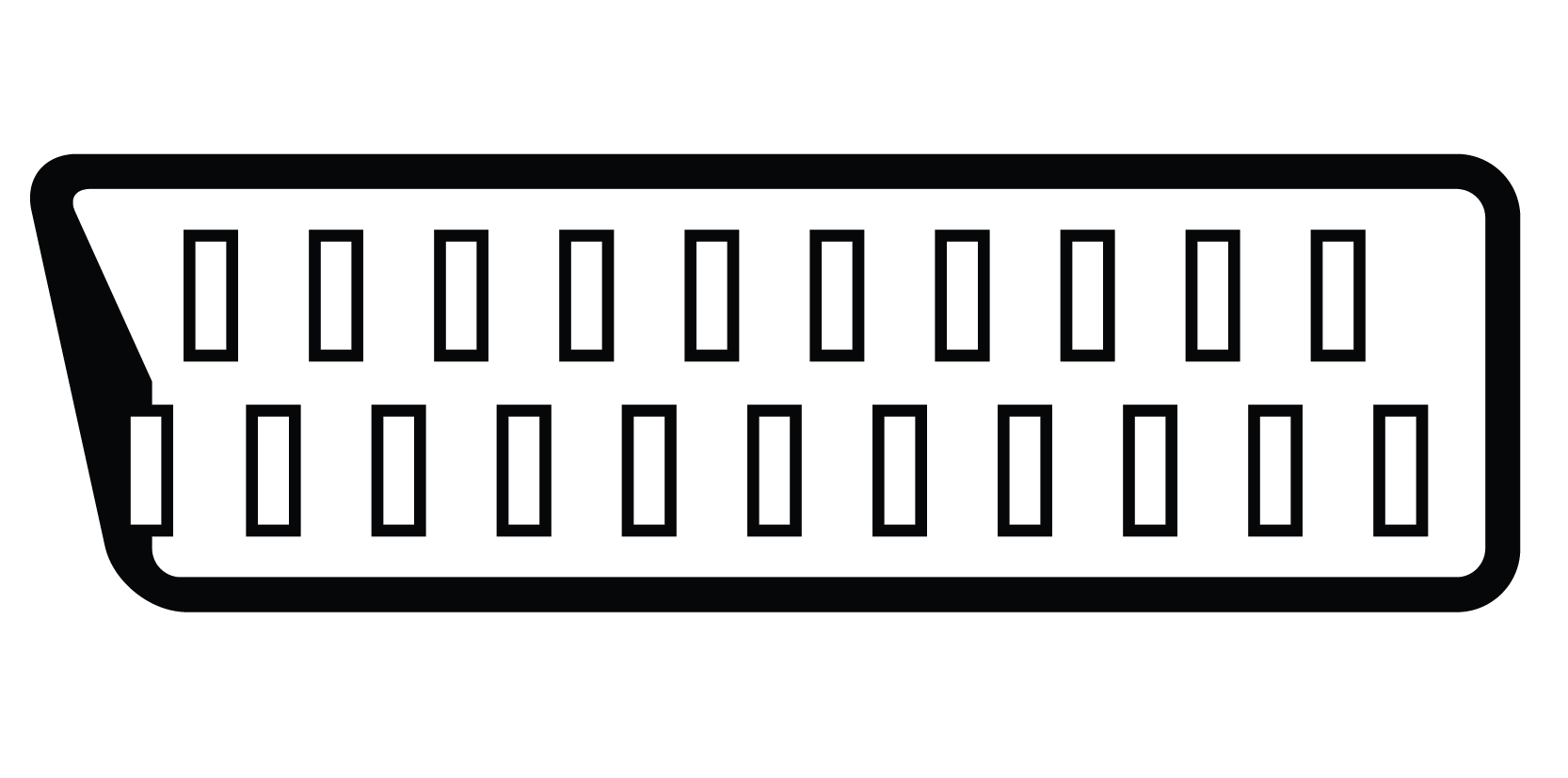 |
SCART SCART (Syndicat des Constructeurs d'Appareils Radiorécepteurs et Téléviseurs) connectors are used to connect audio and video equipment using the composite video signal format. Also known as Euro Connector or Peritel. Common on European AV gear, rare on Australian equipment. |
Audio Connectors
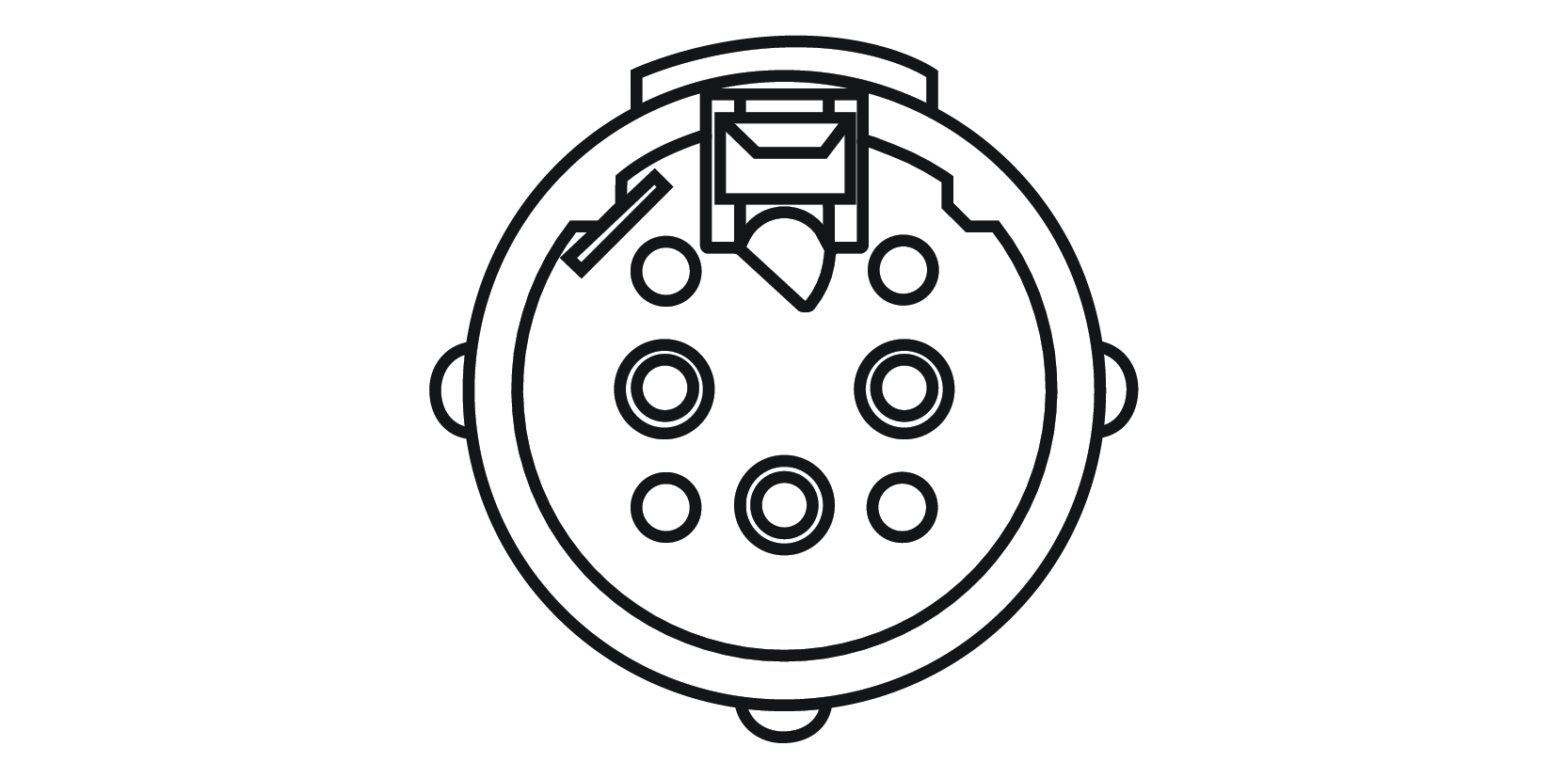 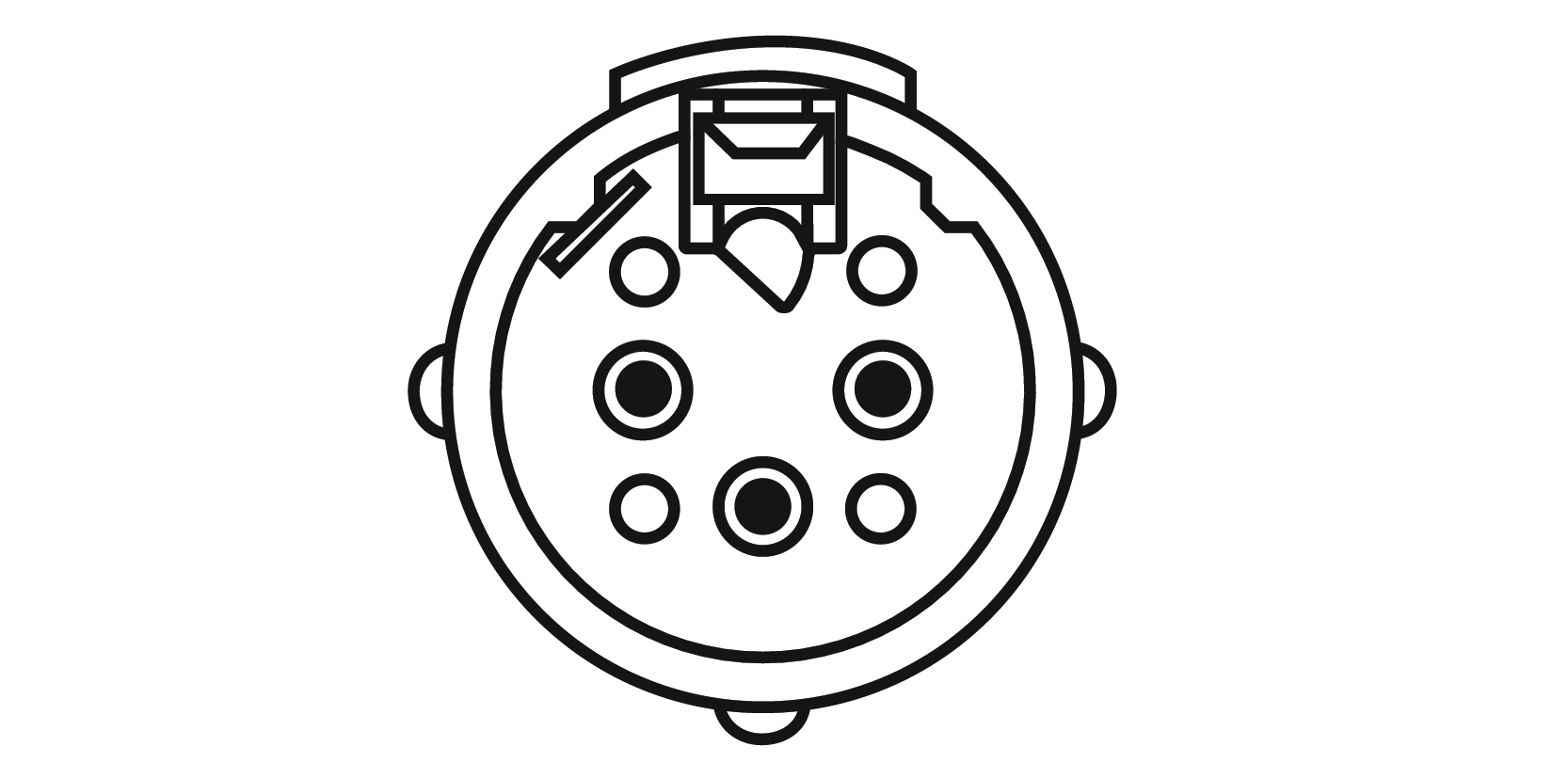 |
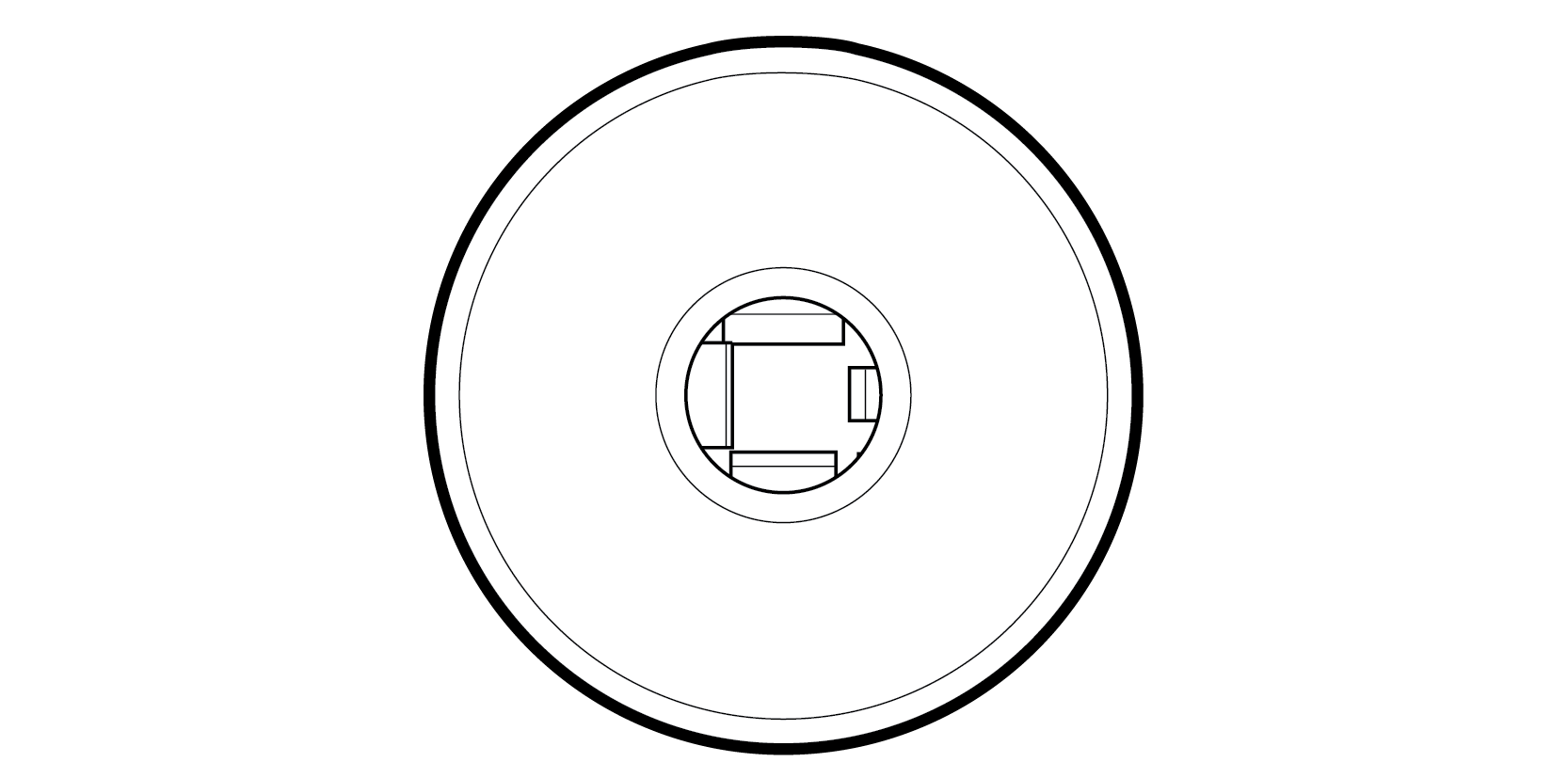
XLR A three-pin balanced audio connector. Typically used for microphone cables and professional audio equipment. The locking design and balanced signal make XLR the standard for live sound, recording studios, and broadcast. |
 |
Phono Jack / Plug (TRS, TS) Common stereo (3-wire tip/ring/sleeve, or TRS) connectors providing a balanced circuit for analogue audio such as inputs/outputs to equipment and peripheral devices like headsets. There is also a mono (2-wire tip/sleeve, or TS) version which is used for unbalanced circuits. Standard sizes are 6.3mm (1/4 inch), 3.5mm (mini phono) and 2.5mm (sub-mini phono). |
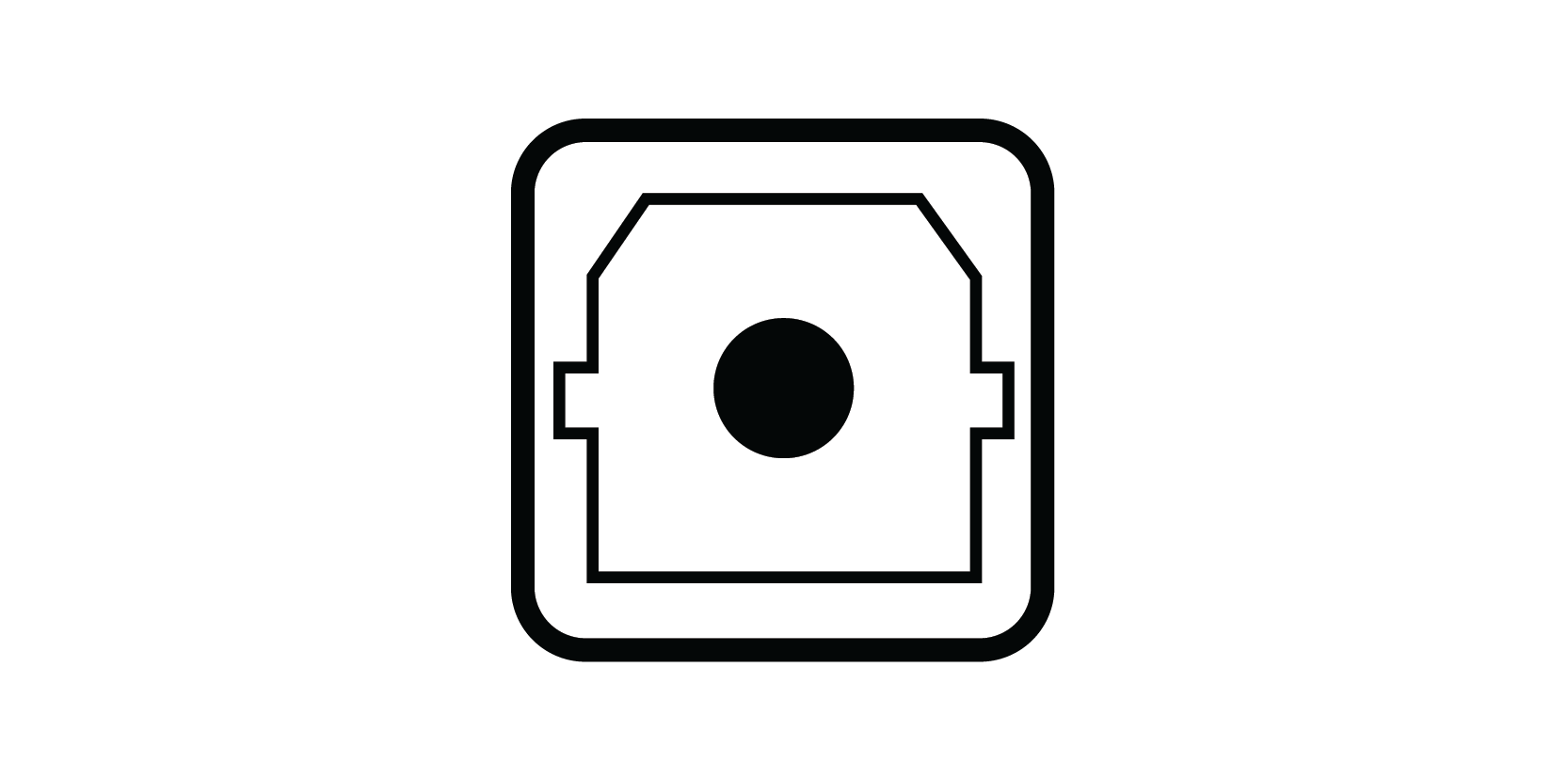 |
EIAJ Optical (TOSLINK) Commonly called "TOSLINK" (Toshiba Link). These cables and connectors are used for digital audio using light from an LED transmitter as the source. Common on home theatre receivers, soundbars, and digital audio equipment. |
Antenna and RF Connectors
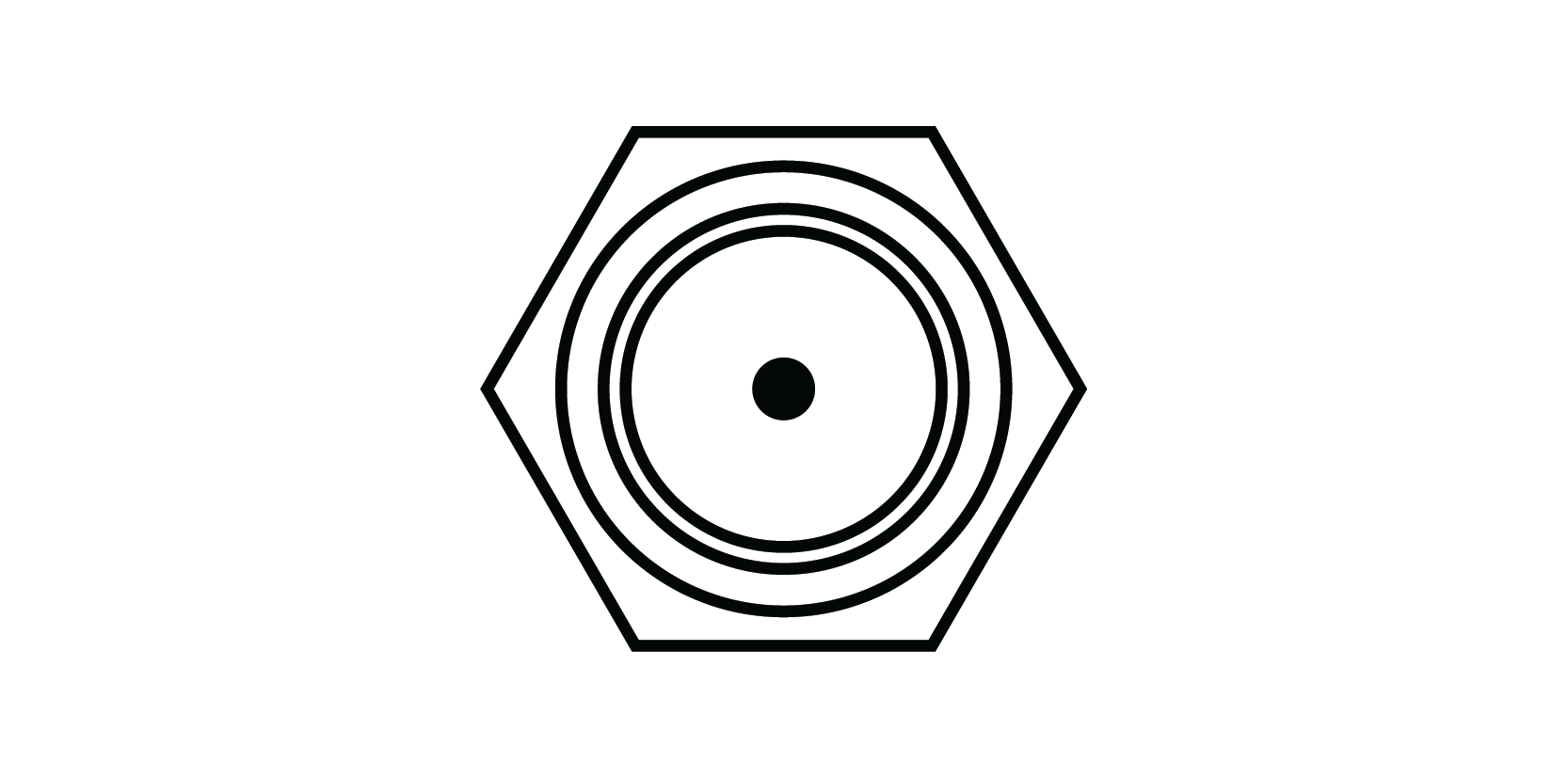 |
F-Type Connector (F-81) Used for most antenna and cable TV connections. Rarely used for anything other than RF, with one notable exception when they were used as digital audio connectors on some laser disc players. The threaded design ensures a secure connection, which is why F-Type is the modern standard for satellite, MATV, and cable TV installations. Browse our F-Type connector range. |
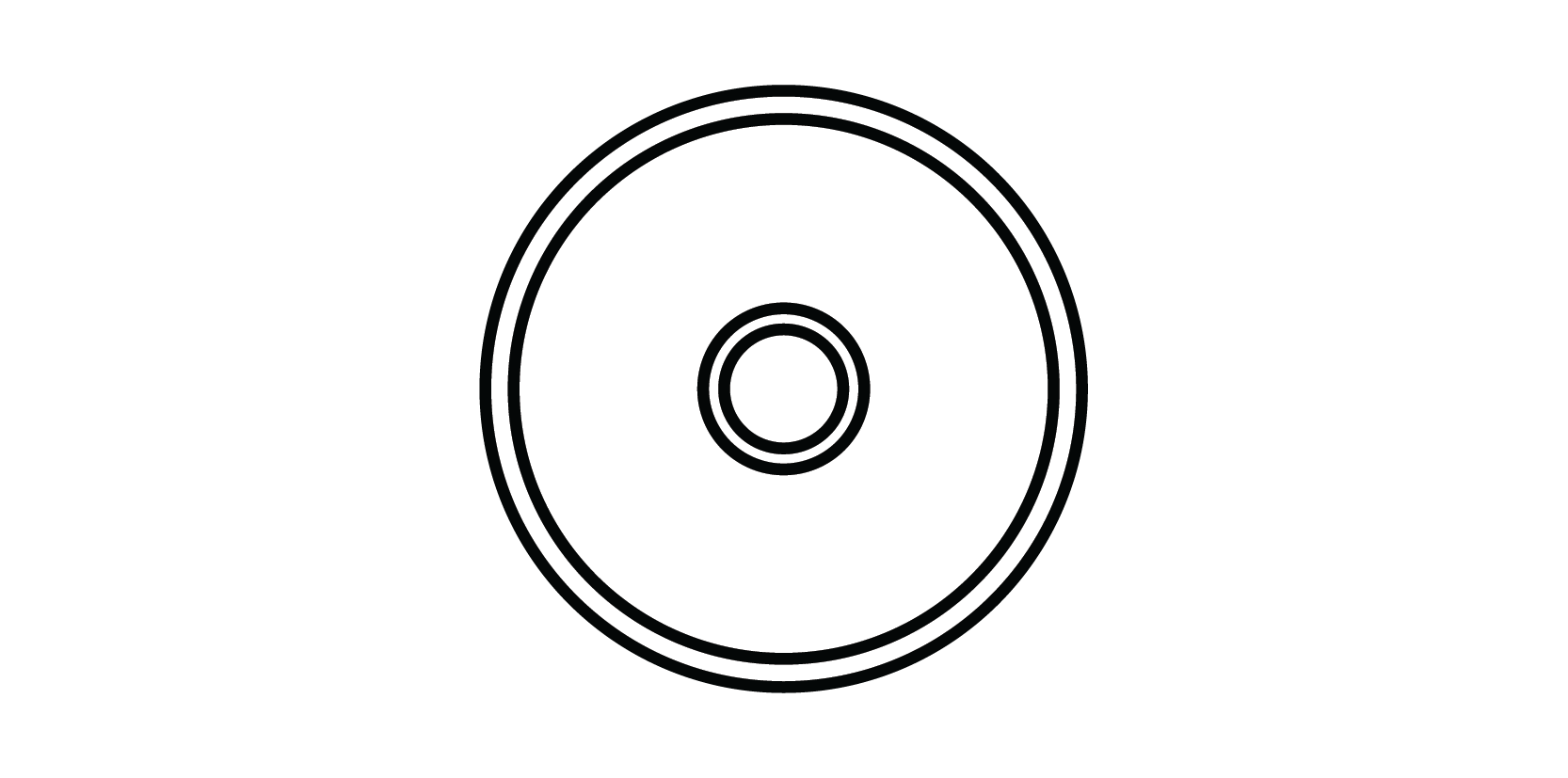 |
PAL (Belling Lee) PAL (Belling Lee) connectors are a push-on connector traditionally used for TV antenna wall plates and connections in Australia and Europe. With the exception of TV/VCR hook-ups, PAL connectors are being replaced by F-Type connectors as required for CATV, SATV and DTV. PAL connectors are specified by IEC standard IEC60169-2. Browse our PAL connector range. |
Legacy Digital Connector
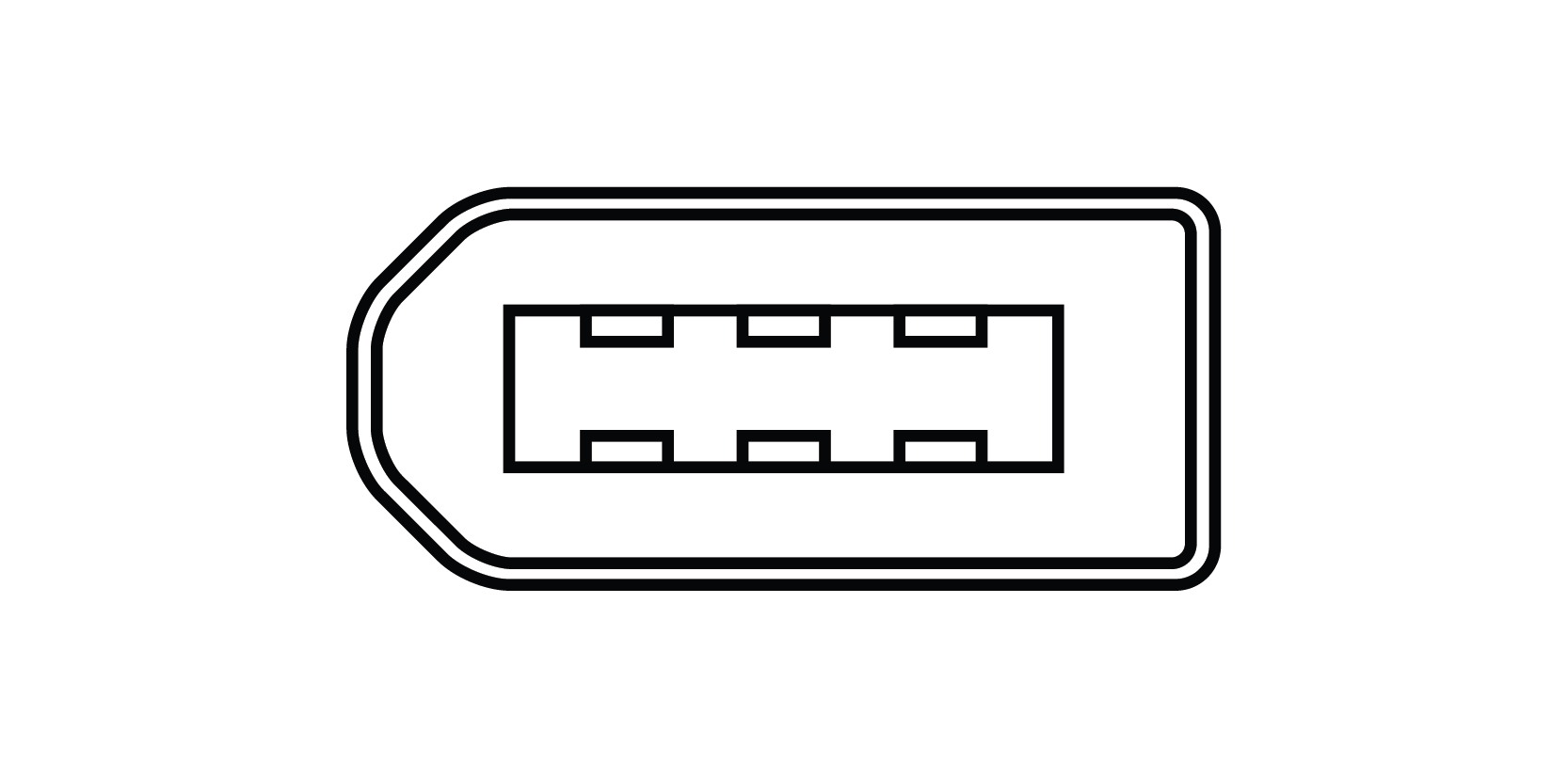 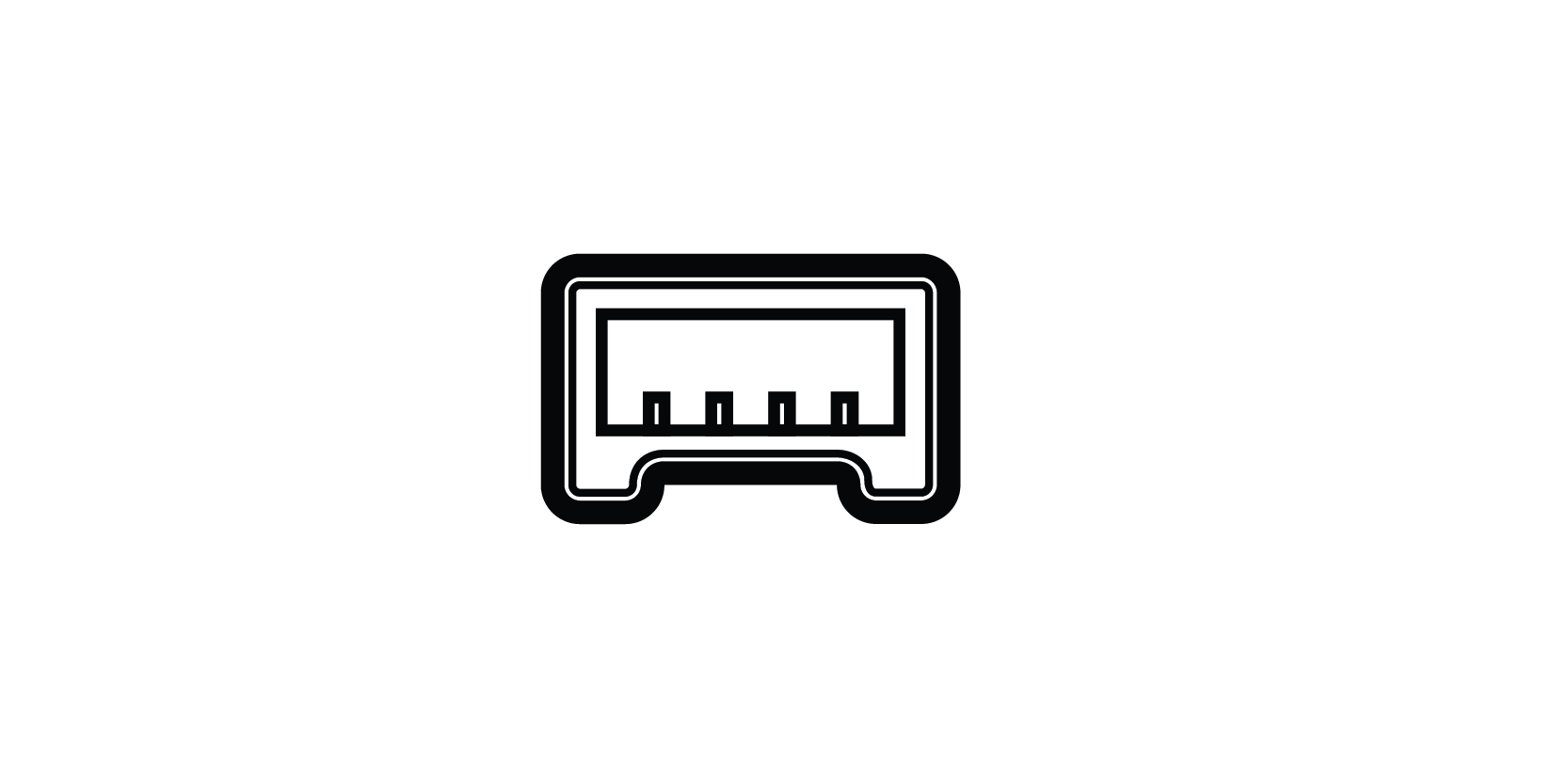 |
IEEE1394 (Firewire, i-Link) Widely used for digital video and audio for DV (Digital Video) in cameras, DVD recorders and PCs. The 6-pin connector has twin separately shielded twisted data pairs for transmission and reception of data signals plus two power conductors. The smaller 4-pin connector has only two data pairs and is used primarily with battery-powered devices. Largely superseded by USB but still found on legacy professional AV gear. |
Looking for USB connectors? See our dedicated USB Overview guide for USB Type-A, Type-B, Type-C and Mini/Micro variants.
Common AV Connector Questions
What's the difference between an AV connector and an AV port?
The connector is the plug at the end of the cable. The port (or socket) is the matching opening on the equipment. They're a male-and-female pair, designed to fit together.
How do I identify an unknown AV connector?
Look at three things: the shape of the housing, the number and arrangement of pins, and any markings on the equipment near the port. The comparison table at the top of this page covers the most common types you'll encounter.
Can I convert one connector type to another?
Sometimes, if the underlying signal is compatible. For example, DVI-D to HDMI works because both carry digital video. VGA to HDMI doesn't work directly without an active converter, because VGA is analogue and HDMI is digital.
Why doesn't my AV connection work even though the plug fits?
A plug fitting doesn't mean the signal is compatible. Different protocols can share connector types (RCA carries composite video, component video, and audio, for example), so the signal has to match on both ends. Our guide to AV signal protocols explains this in detail.
What's the most common AV connector in Australian installations?
For modern AV, HDMI dominates. For antenna and TV, F-Type has largely replaced the older PAL connector. For audio, RCA and 3.5mm phono jacks remain the consumer standard, with XLR for professional audio.
Need help identifying or sourcing the right connector? Browse our full connector range or talk to our team for sizing and compatibility advice.
Your Project, Perfected. That's The Access Advantage.
- Expert Local Support, Since 1973: Don't waste time with guesswork. Our experts have seen it all and are ready to provide the right solution, right now. Your success is our business.
- Your Specs, Your Brand, Our Build: Off-the-shelf not cutting it? We specialise in building custom cables and assemblies to your exact specifications, branded for your business. Let's create it together.
- Guaranteed for Life: Buy it once. Trust it forever. Our products are backed by a limited lifetime warranty, so you can invest in quality with zero risk. *Warranty excludes third-party brands such as HALO and UPS.
Let's get your project started.
Talk to an expert today for a custom quote or browse the solutions most relevant to your search.